Post a Redemption to a News Feed
A News Feed delivers a stream of timely, relevant content to Members on your website or within your mobile app. To post a Reward Redemption to a News Feed:
-
Select Members from the top navigation bar, then select CSR > People from the side navigation menu. The People screen is displayed.
-
On the People screen, search for and select the desired Member (see
-
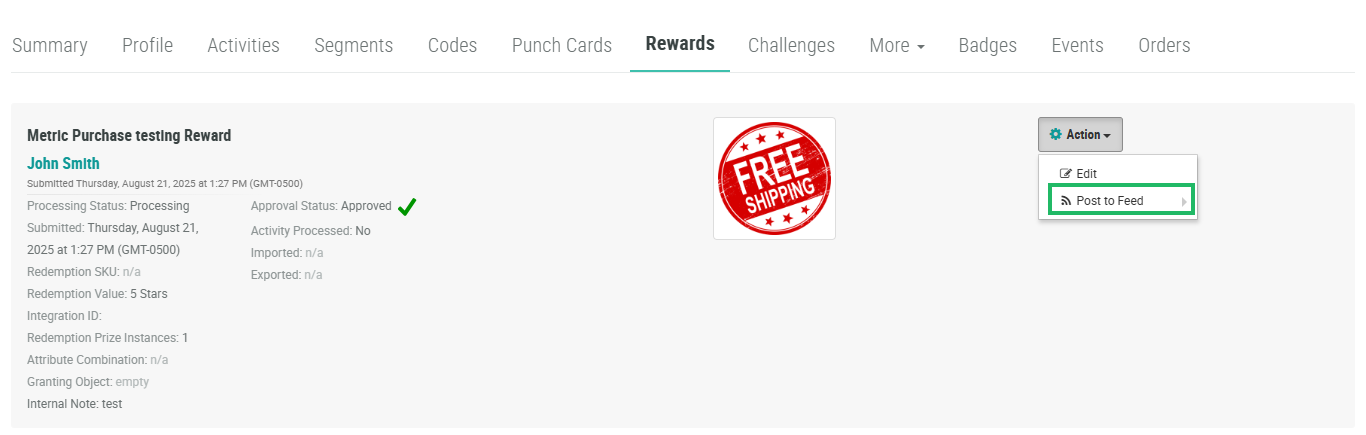
Select the Rewards tab.
-
Next to the desired Redemption, from the Action drop-down menu, select Post to Feed. Select the desired News Feed.